





We live in a digital world that requires your business to be online. And to ensure a robust online presence, you need the right tools. There are so many platforms and software programs that your business can utilize, but Google and its tools reign supreme. Google can be your best friend, helping you promote and gather insights about your business. But it can also be confusing and difficult to manage. It can feel like a betrayal, that may have you saying, “Et tu, Google?”
Fortunately, Square 205 has a team of Google gurus ready to explain what each tool does, how they work together, and will even provide troubleshooting support, should you need it.
What Does Each Google Tool Do?
Google processes 16.4 billion searches per day, significantly surpassing Bing, the second most popular search engine, which handles 900 million queries daily. Leveraging the Google user base and optimizing your presence with its suite of tools can significantly boost your visibility and impact.
Their marketing and productivity tools are designed to help businesses grow, track performance, and stay visible in search. Understanding Google tools for digital marketing is the first step in leveraging them effectively.
What Is Google Analytics (GA4)?
Google Analytics 4 (GA4) is Google’s latest analytics platform, offering detailed insights into how users interact with your website and apps. Unlike its predecessor, Universal Analytics (UA), which was session-based, GA4 is event-based, allowing it to track user interactions more flexibly and comprehensively.
With GA4, you can see where your traffic is coming from, what pages are performing best, how long users are staying, and which actions they’re taking. These insights are essential for making smart marketing and UX decisions.
How to Set Up Google Analytics:
- Sign in to your Google Analytics account.
- Create a new GA4 property and follow the prompts.
- Install the tracking code on your website manually or through Google Tag Manager (more on this below).
- Set up events and conversions to measure key actions on your site.
What Is Google Tag Manager?
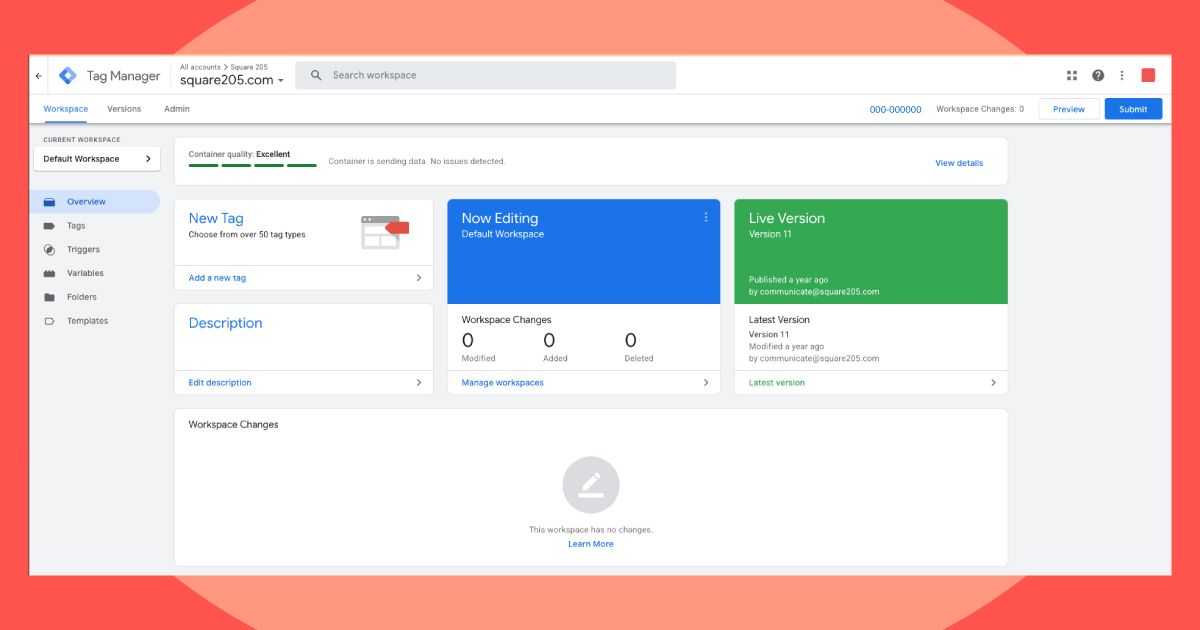
Google Tag Manager (GTM) is like a digital control room for your website’s tracking. It allows you to easily add and manage tags (like pixels, code snippets, and tracking tools) without needing to access your site’s backend every time.
With GTM, you can implement everything from Google Analytics and conversion tracking to third-party tools, which saves time, reduces errors, and improves site performance.
How to Set Up Google Tag Manager:
- Go to tagmanager.google.com and create an account and container for your site.
- Add the GTM container code to your website header and body.
- Log in to GTM to create and publish tags, such as your GA4 configuration tag or ad tracking pixels.
- Use the preview and debug tools to ensure everything is working properly.
Why Use Google Search Console?
Google Search Console is a vital tool for understanding how your website appears in search results and its organic performance. It provides insight into which keywords bring users to your site, how your pages are indexed, and whether there are any errors or issues affecting visibility.
You should use Search Console regularly to monitor your SEO health, submit sitemaps, identify crawling issues, and ensure your site is being properly indexed by Google.
How to Set Up Google Search Console:
- Visit search.google.com/search-console.
- Add a new property using your domain or site URL.
- Verify ownership using a DNS record, HTML file upload, or through your Google Analytics/Tag Manager account.
- Submit your sitemap and begin reviewing performance data.
How Do Google Ads Help You Get Discovered?
Google Ads is an online advertising platform that lets you place targeted ads across Search, YouTube, Gmail, Google Maps, and millions of partner websites. It’s designed to help businesses reach customers as they’re searching for related products or services. Google Ads provides flexible campaign options, from text-based Search ads to video campaigns on YouTube, to help you reach your goals, whether that’s driving website traffic, increasing sales, or boosting brand visibility.
How to Set Up Google Ads:
- Go to ads.google.com.
- Create a new account and define your goals (website traffic, leads, sales, etc.).
- Choose your audience, budget, and keywords.
- Create ad copy and launch your campaign.
Why Use YouTube for Business Marketing?
YouTube, owned by Google, is responsible for a significant portion of those 16.4 billion searches, making it a key platform for brand discovery. Video content helps businesses explain their services, connect with their audience, and show up in both YouTube and Google search results.
YouTube for business marketing is ideal for tutorials, testimonials, behind-the-scenes content, and more.
How to Set Up a YouTube Channel:
- Sign in to YouTube with your Google account.
- Click your profile > “Create a Channel.”
- Add branding (logo, cover, about section).
- Upload your first videos and organize content into playlists.
- Link your website and optimize for SEO with titles, descriptions, and tags.
Should You Have a Google Business Profile?
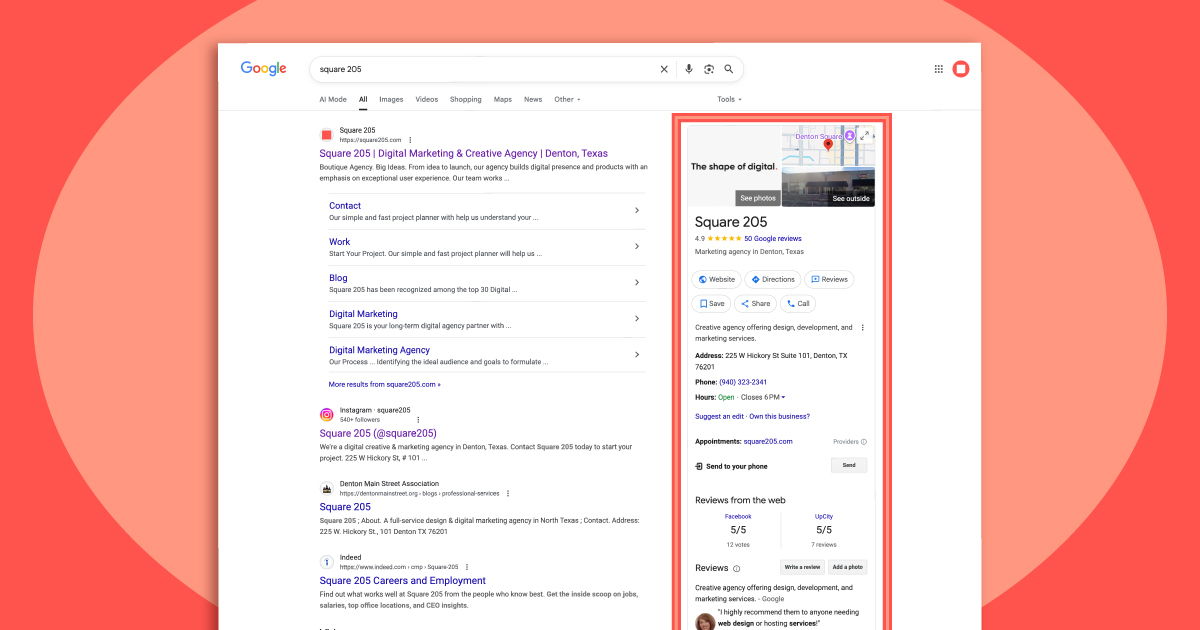
If your business has a physical location or serves local customers, your Google Business Profile (formerly Google My Business) is critical. It gives you control over how your business appears in local searches and on Google Maps.
With a complete and optimized profile, you can showcase your services, post updates, respond to reviews, and make it easier for people to find and contact you. A well-managed profile builds credibility, drives more foot traffic, and local inquiries.
How to Set Up Google Business Profile:
- Go to google.com/business and sign in with your Google account.
- Search for your business or create a new profile.
- Enter your business details, including location, hours, services, and contact information.
- Verify your business via postcard, phone, or email.
- Optimize your profile with photos, FAQs, and regular updates.
What Does Google Workspace Offer?
Google Workspace is a suite of productivity and collaboration tools, including Gmail, Docs, Sheets, Calendar, Drive, and more, all designed for business use. It serves as your business’s digital headquarters, enabling teams to collaborate in real-time and stay organized.
How to Set Up Google Workspace:
- Visit workspace.google.com.
- Choose a plan based on your team size.
- Set up your domain and user accounts.
- Customize your settings for email, access, and file sharing.
How Do Google Tools Work Together
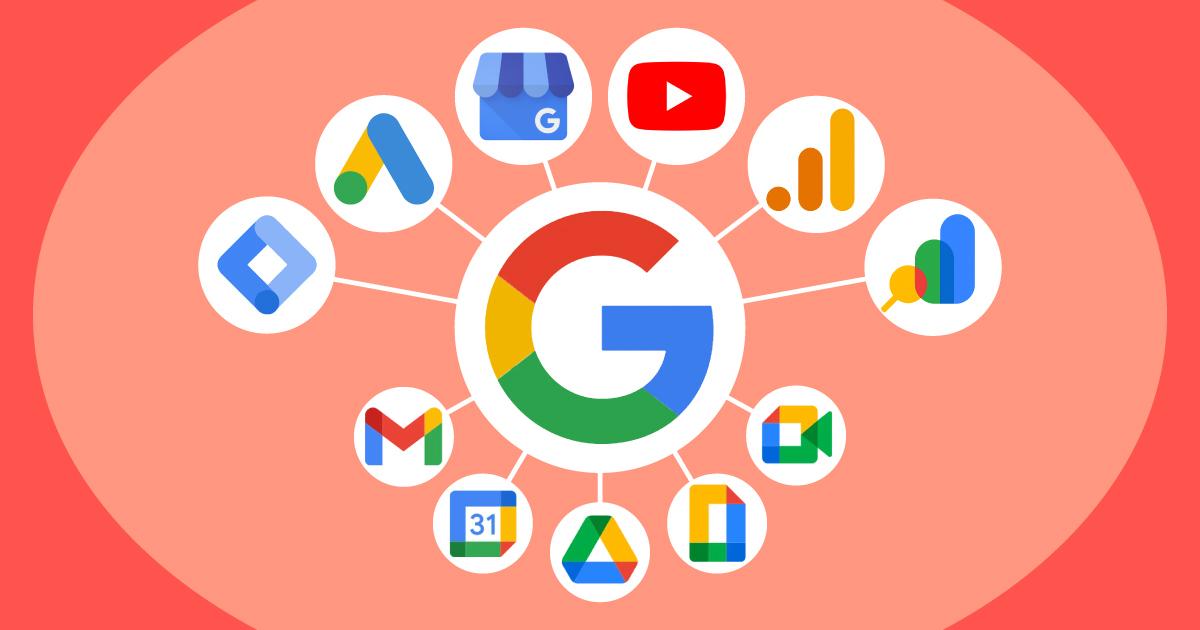
These tools are powerful individually, but when connected, they form a digital ecosystem that fuels smarter decisions.
- Google Tag Manager streamlines your tracking setup and feeds data into Google Analytics.
- Google Search Console tells you how users find your site, while GA4 reveals what they do next.
- Google Ads can be optimized using insights from both Analytics and Search Console.
- YouTube allows you to tell your brand’s story and serves as a platform for Google Ads placements.
- Google Business Profile ensures your physical presence complements your digital one.
- Google Workspace ties it all together internally for your team.
When integrated, they help small business owners understand, manage, and grow their online presence holistically.
Get Support Setting Up & Managing Google with Square 205
Managing all of Google’s tools can feel overwhelming, particularly when you get into the technical details. But the good news is you don’t have to do it alone. Our team of strategists, developers, and analysts knows these platforms inside and out, so they’re ready to set them up and optimize them for success.
If you’re launching GA4, setting up custom tags, resolving indexing issues, or optimizing your business profile, Square 205 is here to explain Google tools for business, simply and effectively. Or, skip the learning curve and let us handle it all for you.
There’s no reason to feel further confusion and betrayal from Google. Let us help you turn Google into your business’s greatest ally. Reach out today to discuss your project.
